
dcmview documentation
dcmview is a fast, temporary DICOM viewer for developers, data scientists, and medical imaging researchers. Give it one or more local files or directories and it starts an embedded browser viewer for pixels, tags, logical series, cine playback, references, and rectangular ROI annotations. Stop the process and the unauthenticated local server, caches, and in-memory edits disappear.
Viewer gallery
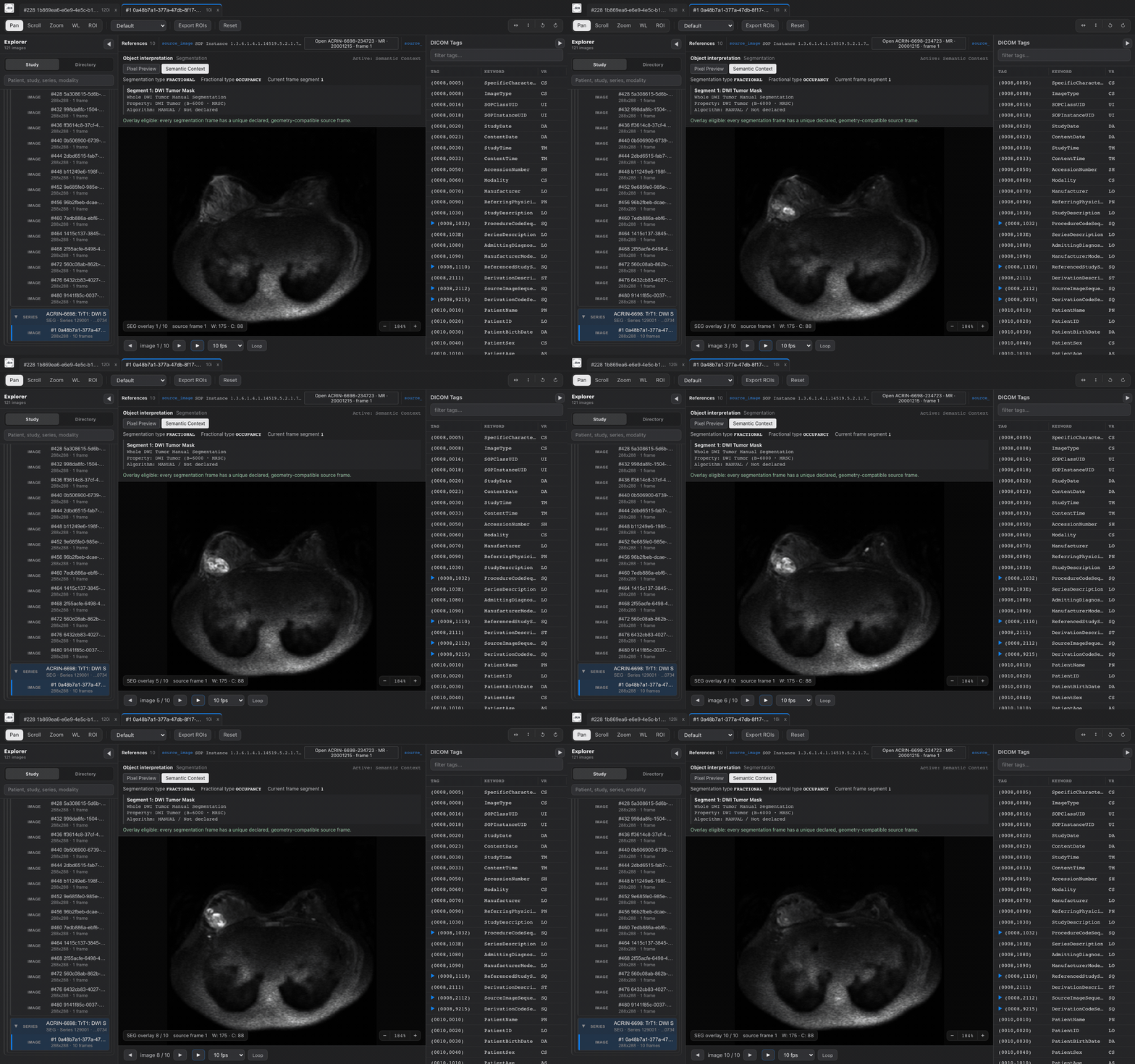
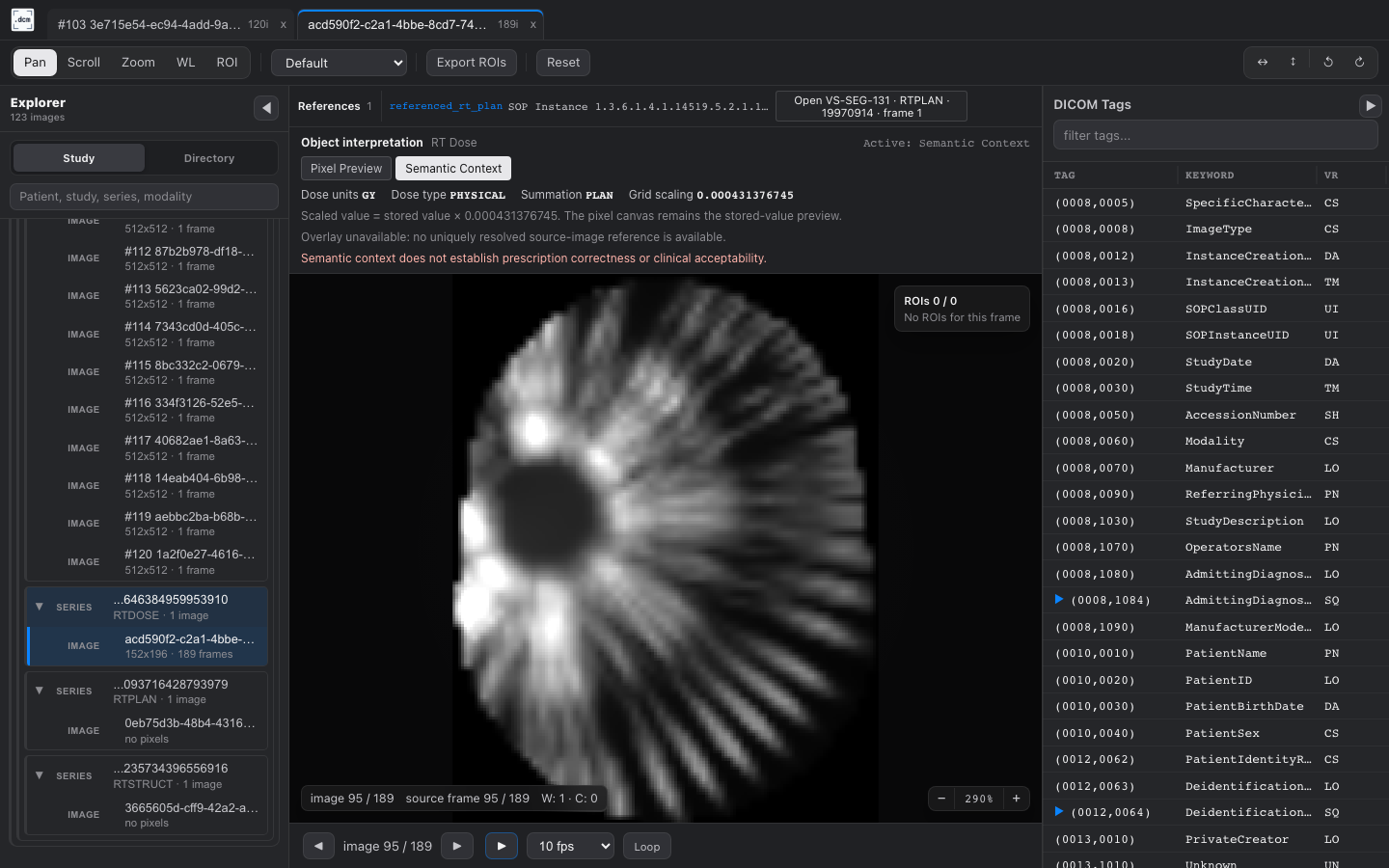
Section titled “Viewer gallery”Cine playback and semantic context
Section titled “Cine playback and semantic context”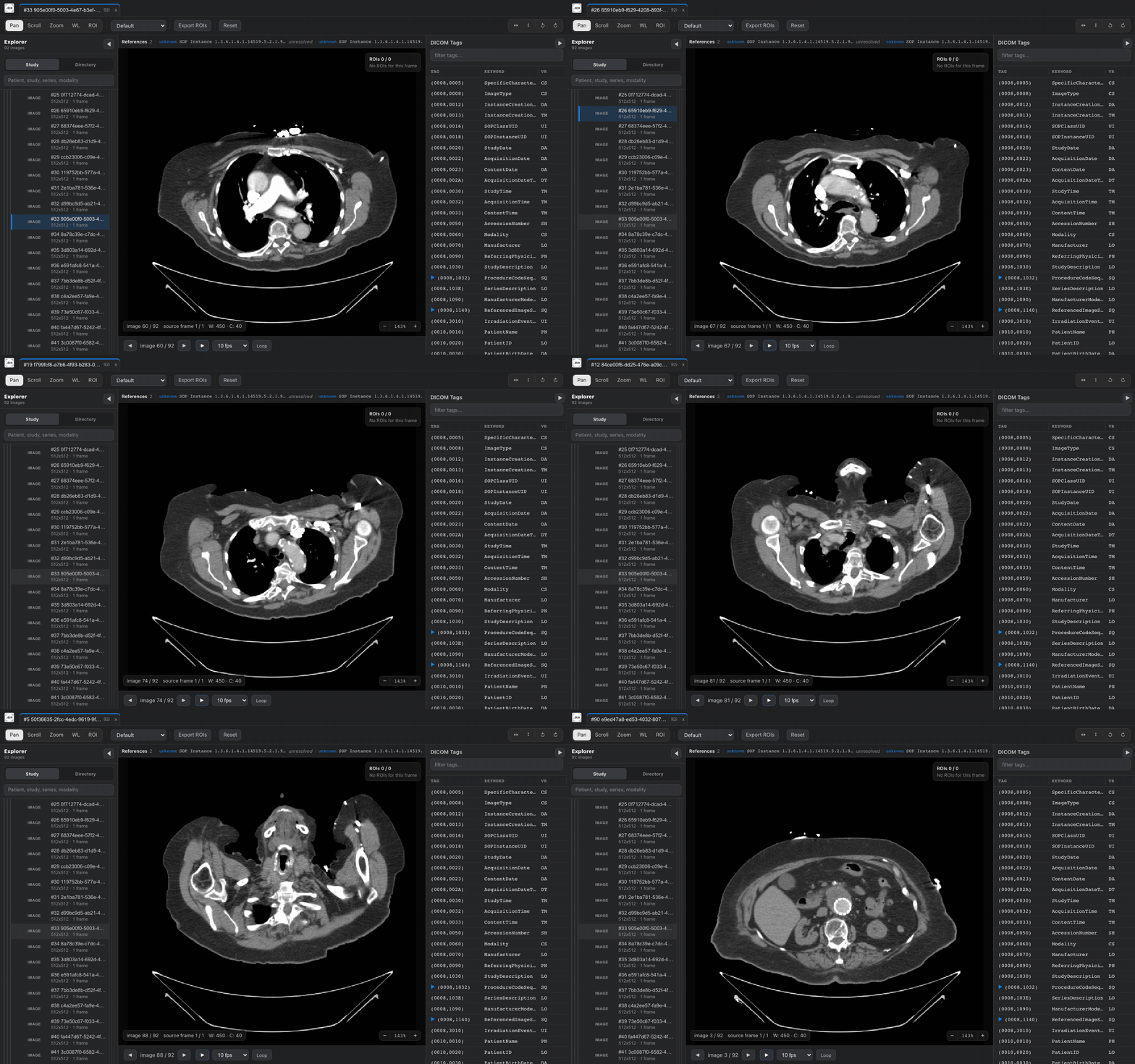
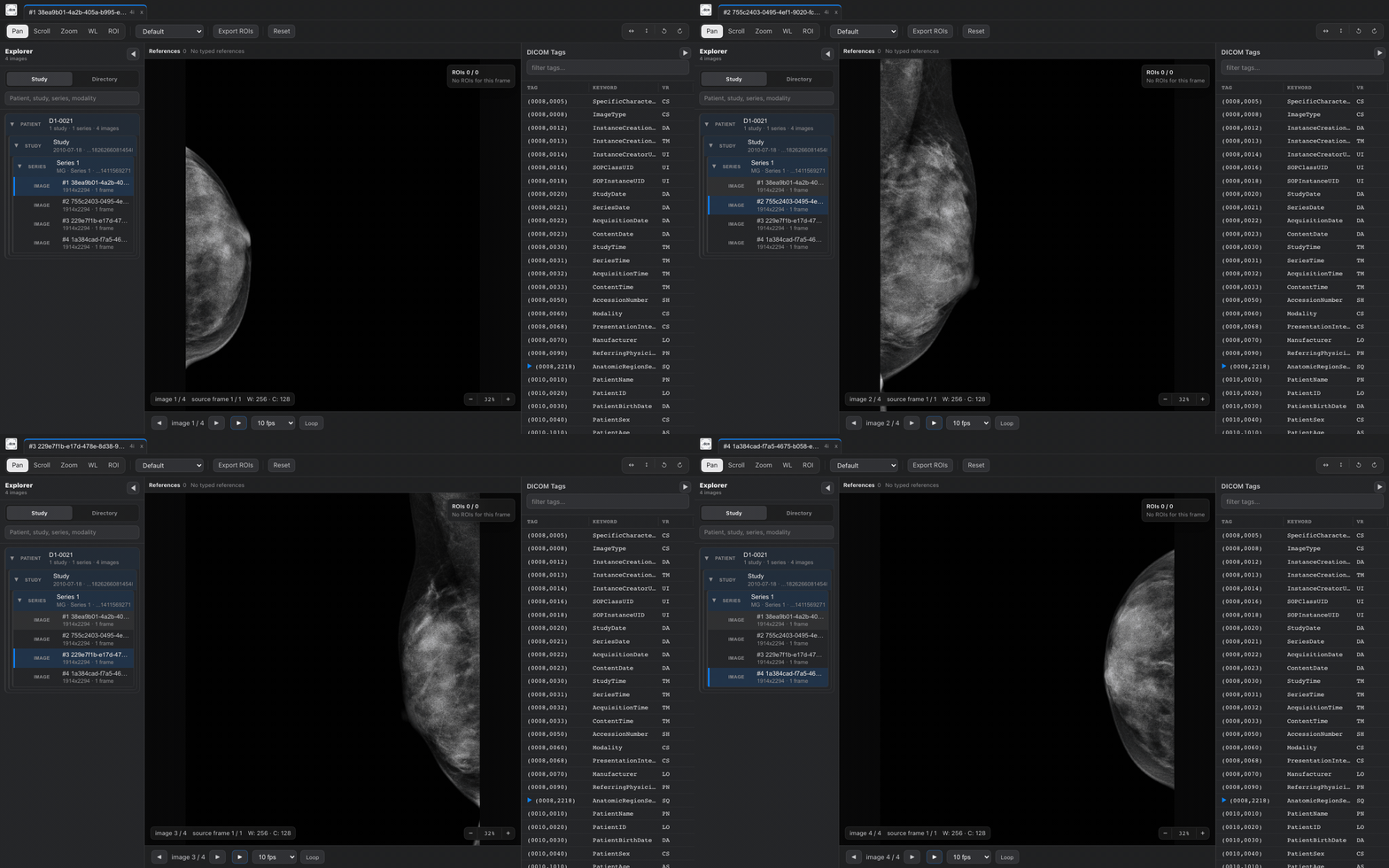
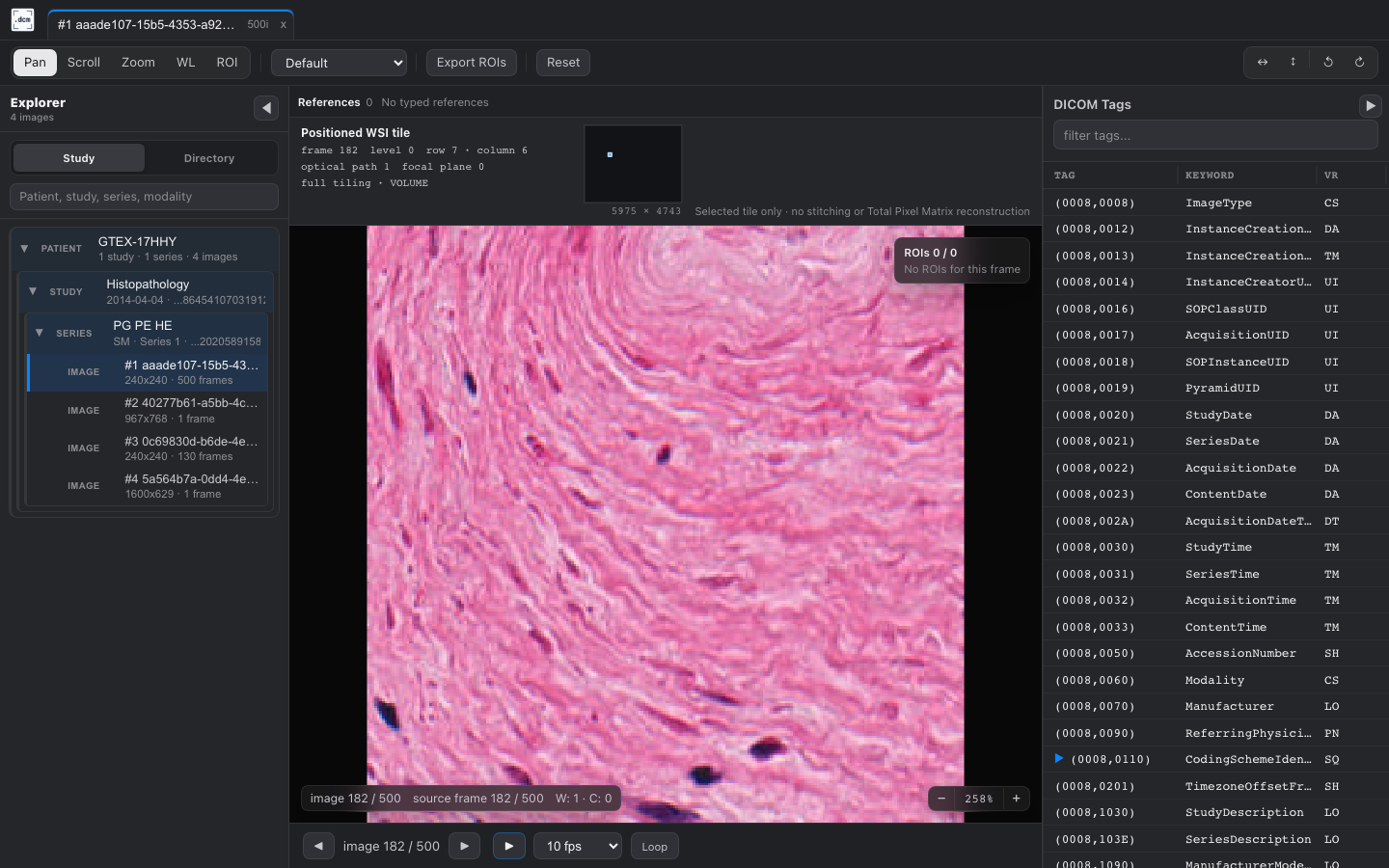
Modality coverage
Section titled “Modality coverage”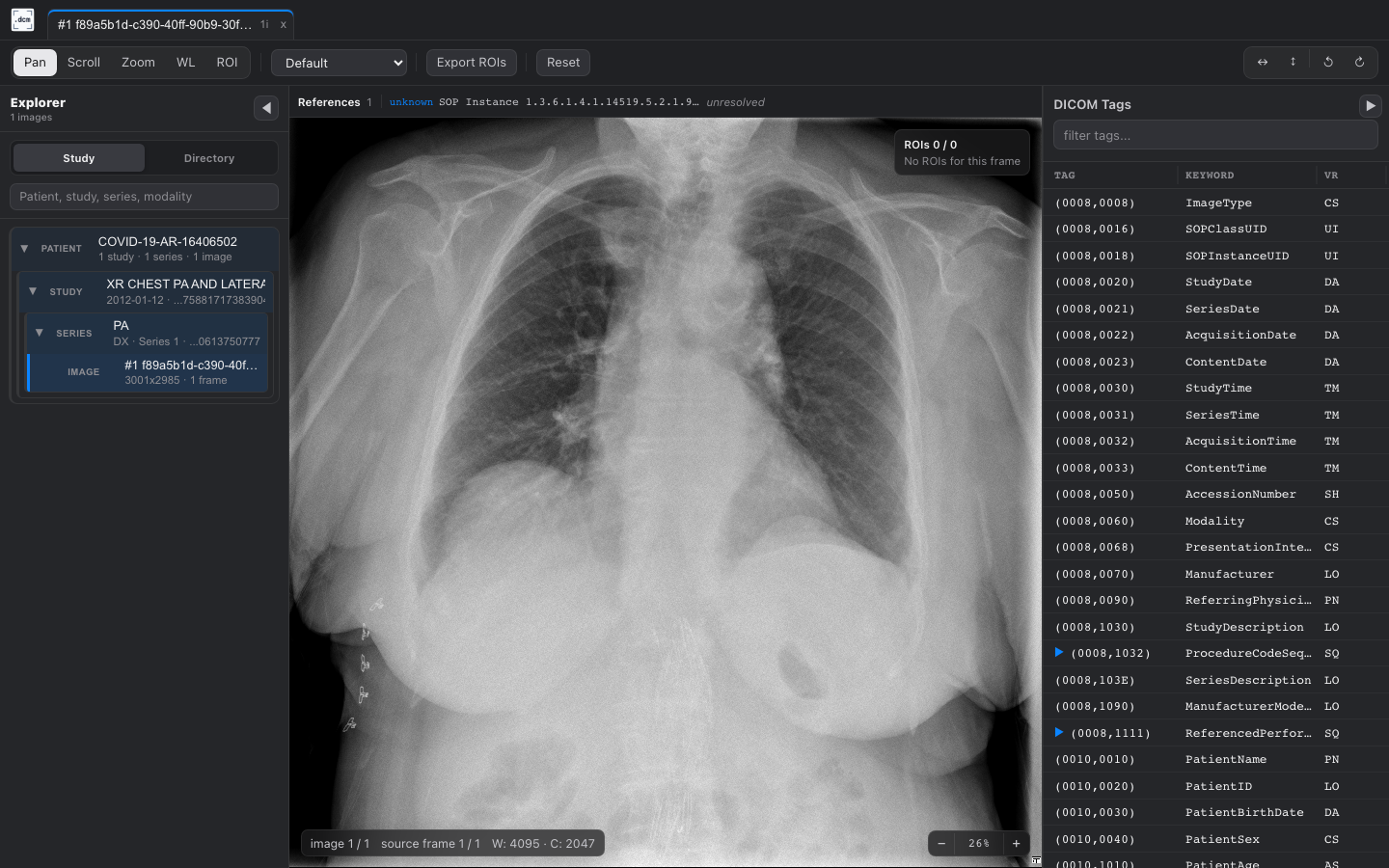
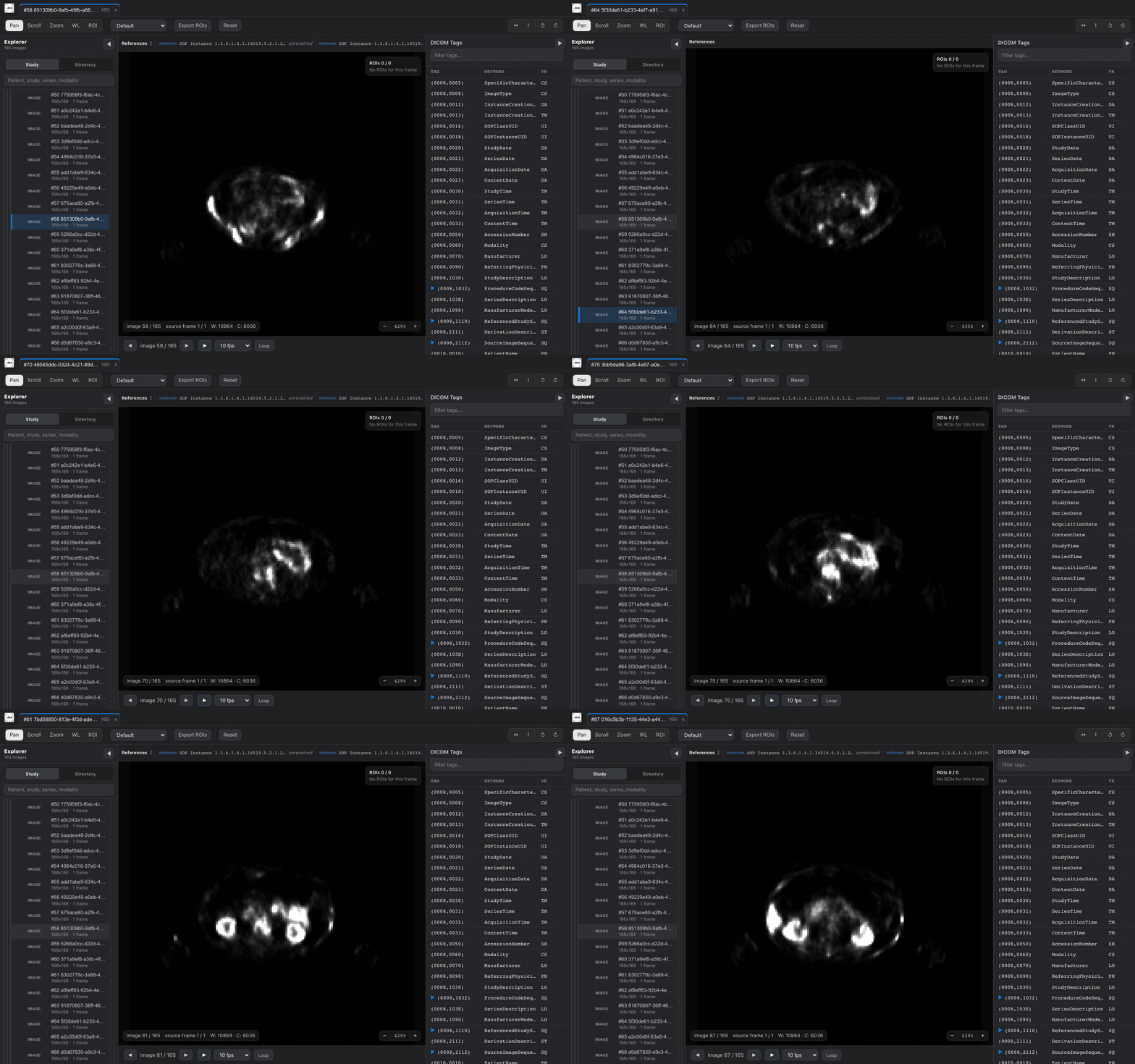
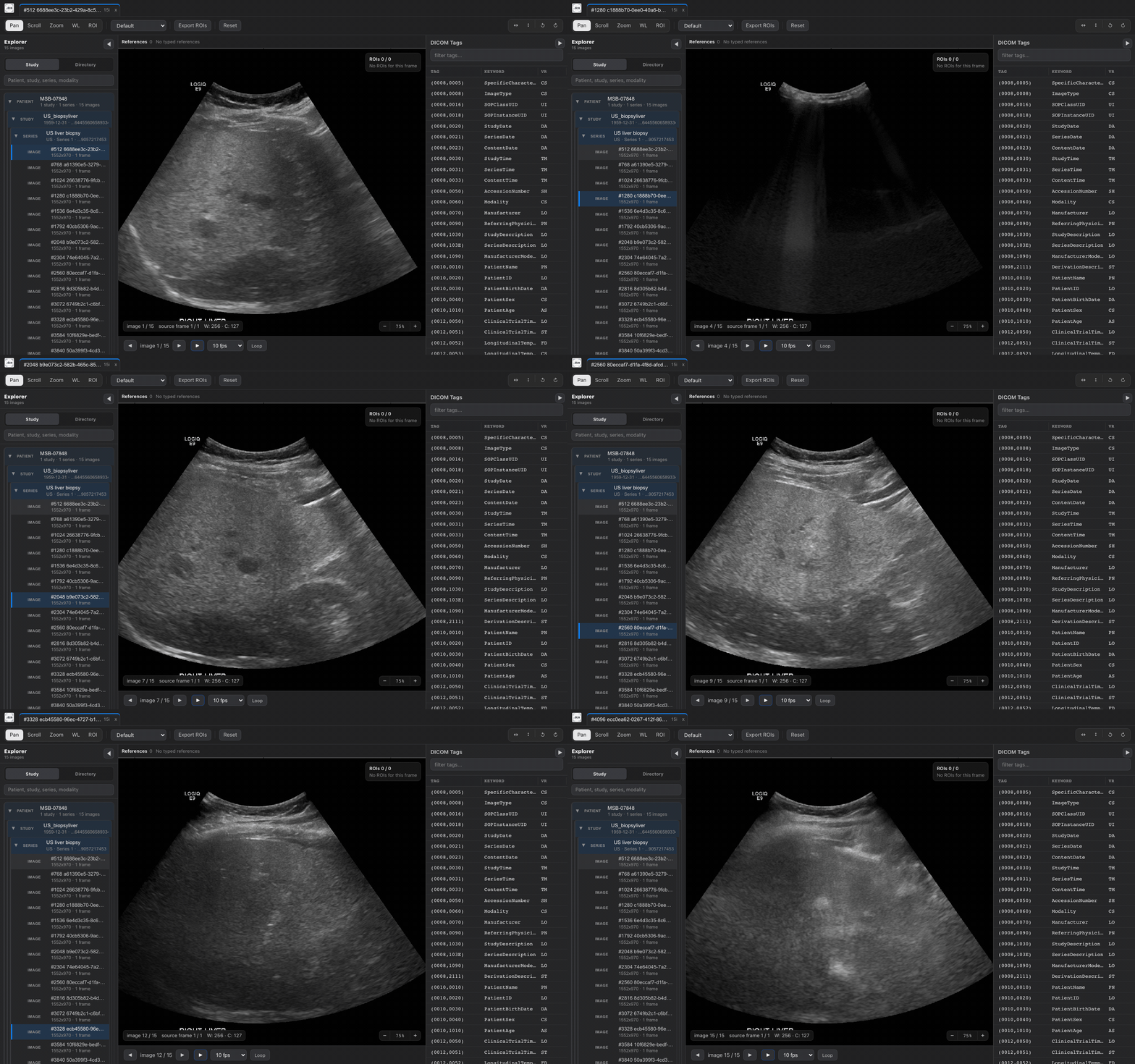
Choose your workflow
Section titled “Choose your workflow”| If you want to… | Start here |
|---|---|
| Open a file or study directory from a shell | Install dcmview and inspect a first image |
| Inspect data on a remote server | Forward the loopback viewer over SSH |
| Launch from a script or notebook | Use dcmview from Python |
| Stay inside your editor | Open DICOM data in VS Code |
| Load, edit, and export rectangular ROIs | Work with annotations |
| Understand what the viewer can and cannot render | Review DICOM support boundaries |
What the viewer provides
Section titled “What the viewer provides”- Recursive file discovery with metadata filters and progressive results.
- Study, series, logical-frame, and local DICOM-reference navigation.
- Server-rendered PNG and client-side raw-frame paths with consistent windowing.
- Pan, zoom, scroll, window/level, presets, flips, rotation, and cine controls.
- Lazy tag browsing with sequence expansion and selective retrieval.
- Conservative context for SEG, Parametric Map, RT Dose, and positioned WSI tiles, including validated geometry-aligned SEG composition.
- In-memory EMBED-style rectangular ROI editing and CSV export.
- The same self-contained Rust viewer through the CLI, Python package, and VS Code extension.
Deliberate limits
Section titled “Deliberate limits”dcmview has no database, user accounts, persistent viewer state, or configuration files. The HTTP API is an internal debugging surface, not a stable public integration API. Semantic panels do not establish clinical correctness: ambiguous SEG or RT Dose geometry disables overlay eligibility, and WSI support positions one selected tile without stitching a whole slide.
This site documents the stable v0.2.12 release. See the documentation source for the exact commit.
Project links
Section titled “Project links”- View the dcmview source on GitHub.
- Install the dcmview-py package from PyPI.
- Download binaries from GitHub Releases.
- Install the dcmview extension from the VS Code Marketplace.
- Install the dcmview extension from Open VSX for Cursor.
- Report suspected vulnerabilities privately through the project’s security policy.